
AI POV porn videos & photos
AI POV porn: first-person AI-generated videos and photos that put you in the scene, with eye contact and close-up angles. Fictional adult characters. 18+.
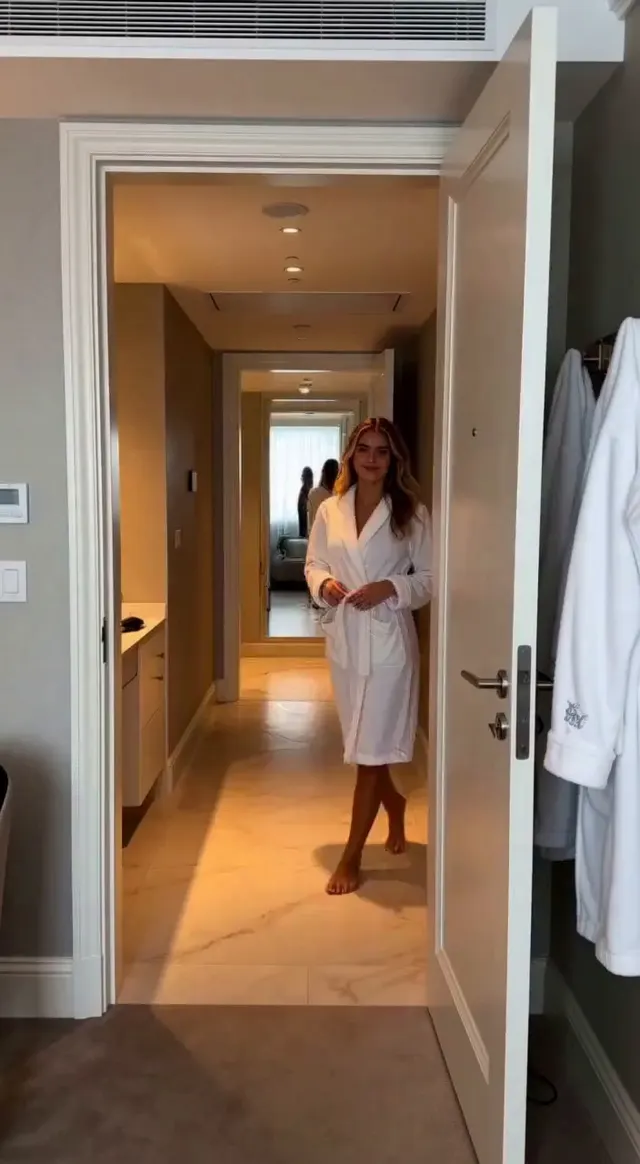
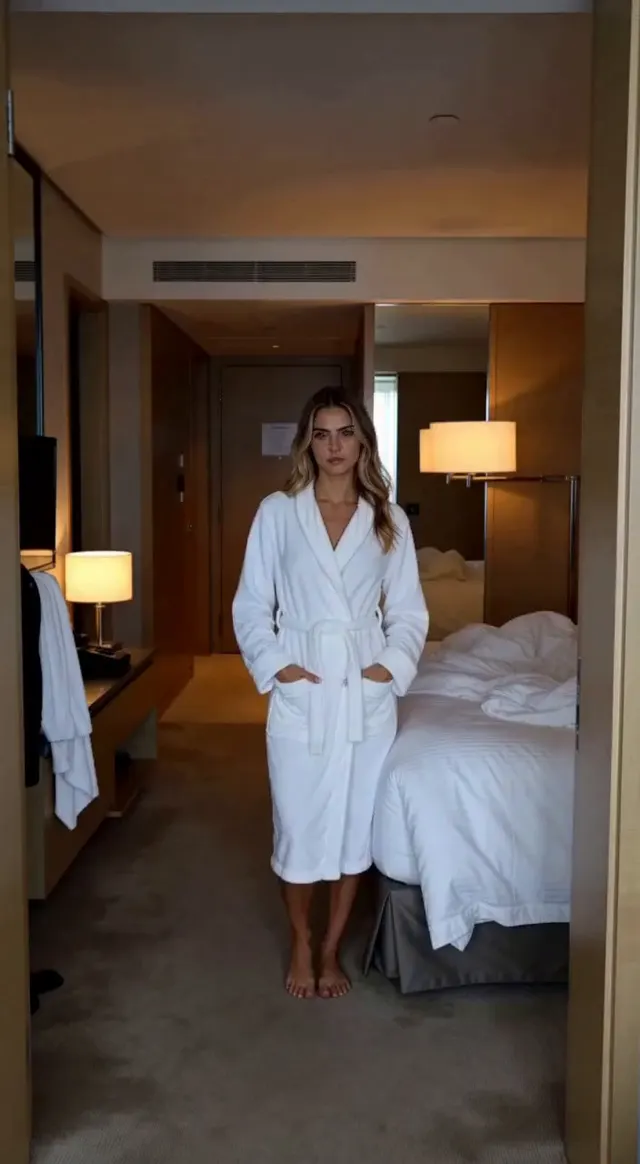
Try these prompts
Click a prompt to open it in the composer — edit anything before you generate.
“POV: woman straddles the viewer on a hotel bed, keeps eye contact, hands in frame, warm lamp light”
Use this prompt →“First-person view in a car at night: brunette leans over from the passenger seat, street lights outside, handheld feel”
Use this prompt →“POV shower scene, water running over a blonde's shoulders as she looks up into the camera, steam, soft light”
Use this prompt →About this category
POV is one of the oldest formats in adult video and one of the easiest to direct with a generator: you simply describe the camera as the viewer. This category collects AI-generated first-person videos and photos: eye contact, hands in frame, close-up oral and riding angles, bedrooms, cars and hotel rooms, with every kind of fictional adult performer. The short scene length suits the format, and sound adds the whispering and breathing that make POV work. To create your own, write the scene from the viewer's perspective, mention the camera angle explicitly and pick an actor; the generator renders a clip with sound or a still in about a minute.
How it works
Create an actor
Describe a character or build one in the constructor — the AI generates a reference portrait and keeps the same face in every scene. Photos of real people are not accepted.
Direct the scene
Write what happens, choose a location and props, pick the format — each scene renders as a 1–10 second video with sound. Photos are generated the same way.
Assemble and publish
Stitch the scenes into one film, adjust the audio, then keep it private or publish it to the feed — every publication passes moderation first.
Text-to-video and text-to-image for adults without real people: actors are fictional characters, and anything involving minors or real identifiable persons is blocked. Questions about tokens, prices and generation? Read the FAQ
Frequently asked questions
How do I get a true first-person angle?
Write the scene from the viewer's perspective, mention the camera as the viewer's eyes and ask for hands in frame; the generator follows camera instructions in the prompt.
Does eye contact render well?
Yes. Ask for eye contact explicitly and keep the clip short; the model holds a steady gaze best in 5–8 second scenes.
Can I add sound?
Videos render with AI sound (breathing, whispering, ambience); you can replace or mute it later in the audio editor.